
Midjourney Animation Tutorial (Edition 1)
Think Like a Director: Writing Cinematic Prompts for Motion
Midjourney can animate now — but every motion starts with a single frame.
If you want your animations to feel cinematic, emotional, and intentional, you need to direct the image first. Think like a filmmaker: frame the shot, set the mood, and guide the viewer’s eye.
This guide shares a two-step method and a cinematic prompt framework I’ve been developing through my own experiments. It’s still evolving — but even in its early form, it has helped me create Midjourney animations with more control, clarity, and emotion. If you’re just starting out, it will help you too.
Step 1: Create a Cinematic Image
Before animation, you need a strong image — one that feels like a scene, not just a subject.
Think in scenes, not just subjects.
Most beginners describe what they want to see. Directors describe what they want the audience to feel.
Instead of:
“A girl in a forest”
try:
A girl stands alone in a foggy forest at dawn.
Camera: wide shot from behind.
Lighting: soft morning light filtering through trees.
Atmosphere: mist swirling, quiet tension.
This isn’t just a prompt — it’s a scene. And that’s the shift.
Use the Cinematic Prompt Formula
Here’s a flexible formula I use to build prompts that animate well:
[Subject + Action or Pose]
Camera: [Framing + Angle + Lens]
Environment: [Setting + Spatial Layout]
Lighting: [Source + Direction + Mood]
Atmosphere: [Motion Cues + Texture + Style]
You don’t need to write every label — just think through each layer. This helps you control what the viewer sees, feels, and remembers.
Example: The Samurai’s Gaze
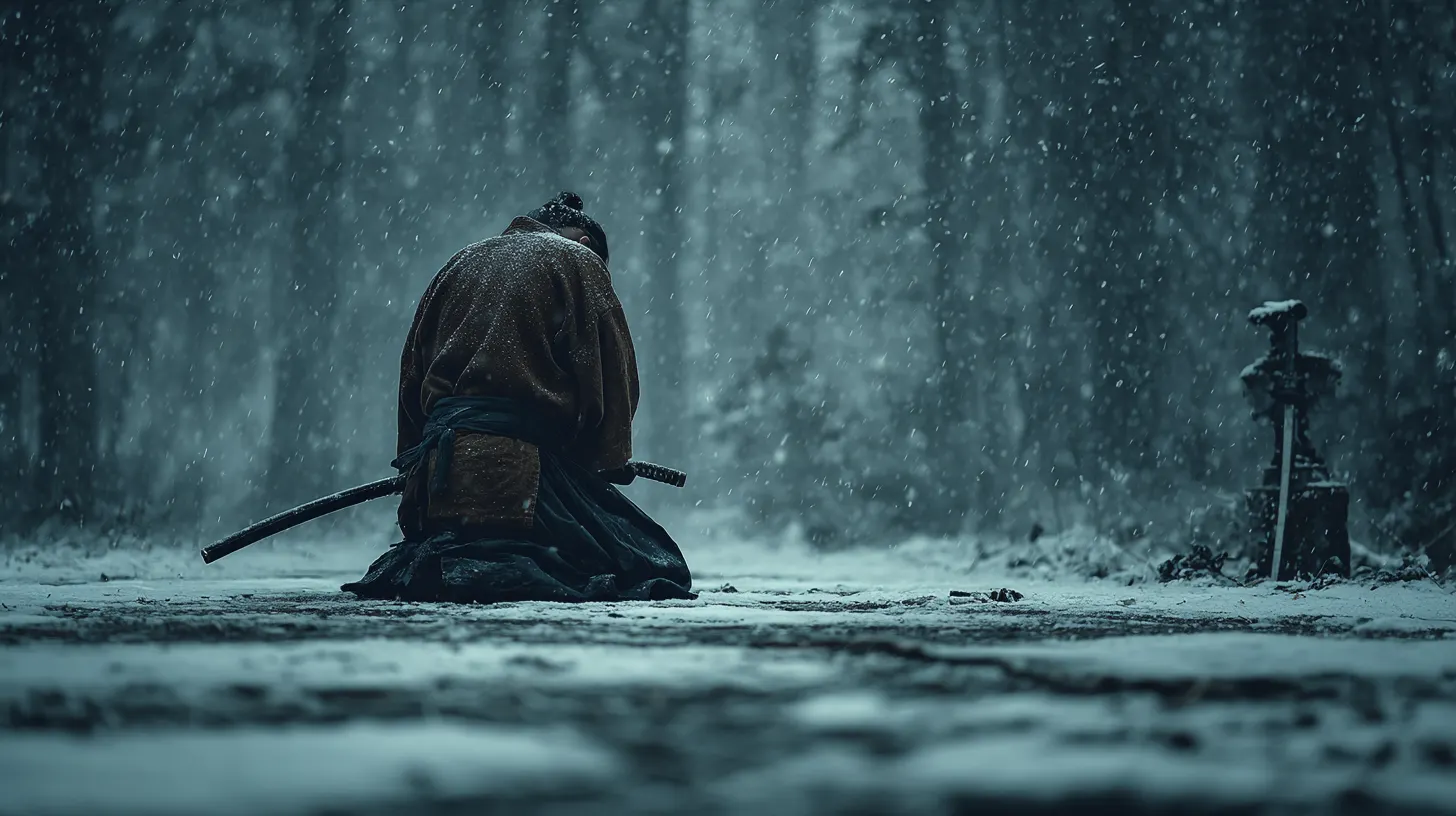
Each element locks in visual storytelling, guiding the viewer’s eye and emotion.
Step 2: From Still to Motion — The Two-Step Workflow
Once your image is strong, you can evolve it into a short sequence. Think of it like storyboarding: each beat is a frame, and together they form a moment.
Two-step method:
- Direct a strong cinematic image. Define subject, camera, environment, lighting, and atmosphere using the formula. Lock in composition, mood, and visual identity.
- Adapt the image into a motion-aware prompt. Break the scene into 2–3 visual beats. Add subtle camera movement or transitions. Introduce motion cues (wind, breath, or facial-expression shifts). Use
--videoand--bsin Midjourney to animate.
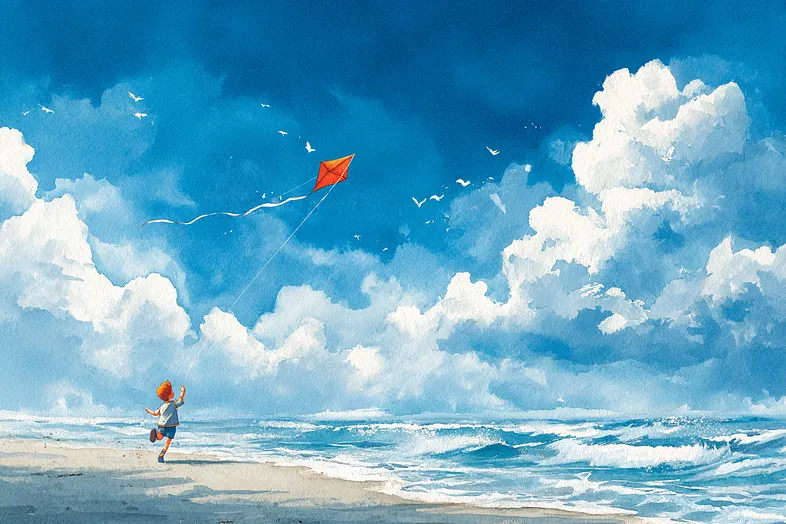
Example 1: The Kite Runner
Image Prompt:
Watercolor illustration of a boy chasing his kite across a windy beach.
Wide establishing shot of the ocean and the boy running.
Bright, hopeful atmosphere.
--ar 3:2 --quality 2 --stylize 150
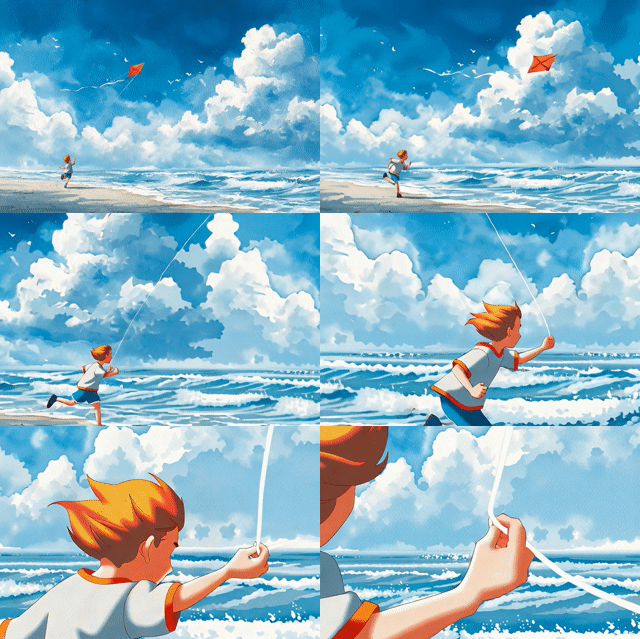
Animation Prompt:
Same scene, but now with shot transitions:
wide establishing shot of the ocean, cut to medium shot of the boy running, close-up of his hand gripping the string.
--ar 3:2 --bs 1 --video 1
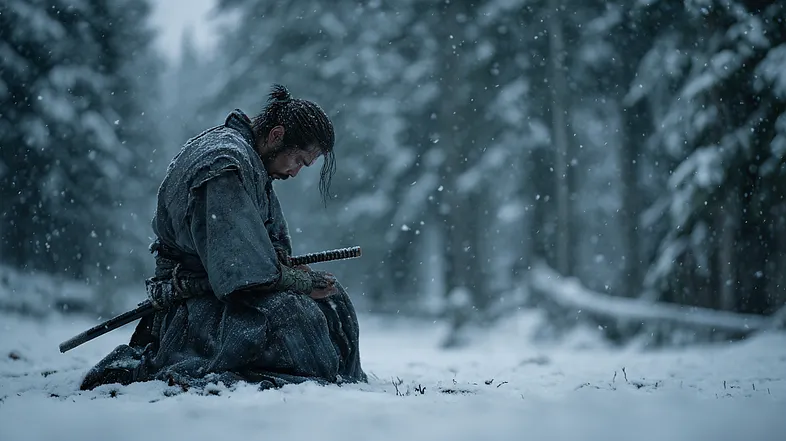
Example 2: The Samurai’s Gaze
Image Prompt:
A lone samurai kneels in the snow, head bowed.
Camera: side view, low angle.
Environment: snow-covered forest clearing.
Lighting: overcast sky, soft diffused light.
Atmosphere: snowflakes falling, breath visible, cinematic tone.
--ar 16:9 --stylize 150
Animation Variant 1:
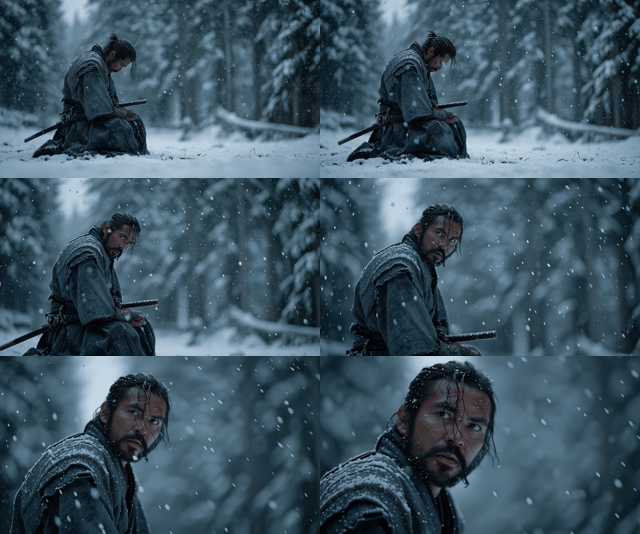
Animation Variant 2:
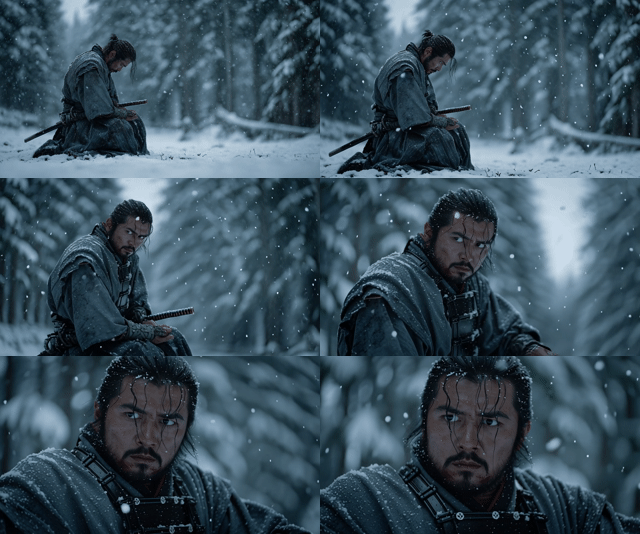
Comparison
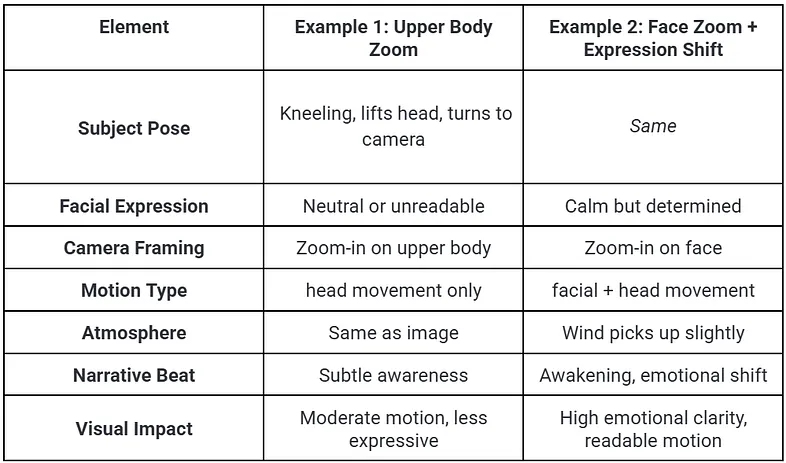
Wrapping Up: Think Like a Director
With these steps, you’ve built a foundation:
- Use Midjourney to speak in cinematic language.
- Structure prompts that control what the viewer sees and feels.
- Create still images ready to move.
- Turn those images into short, emotional animations.
Every word in your prompt is a decision: a camera angle, a shaft of light, a subtle motion. This is how directors think. And now, so do you.
This is Edition 1 of a series on AI video prompting — adapted from my upcoming handbook. Later editions go deeper into constructing scenes, camera movement, and motion techniques.